Update 2 – Things are heating up
In this second of three preview posts for Adaptory Update 2, let’s talk about the “temperature” part of The Temperature Update!
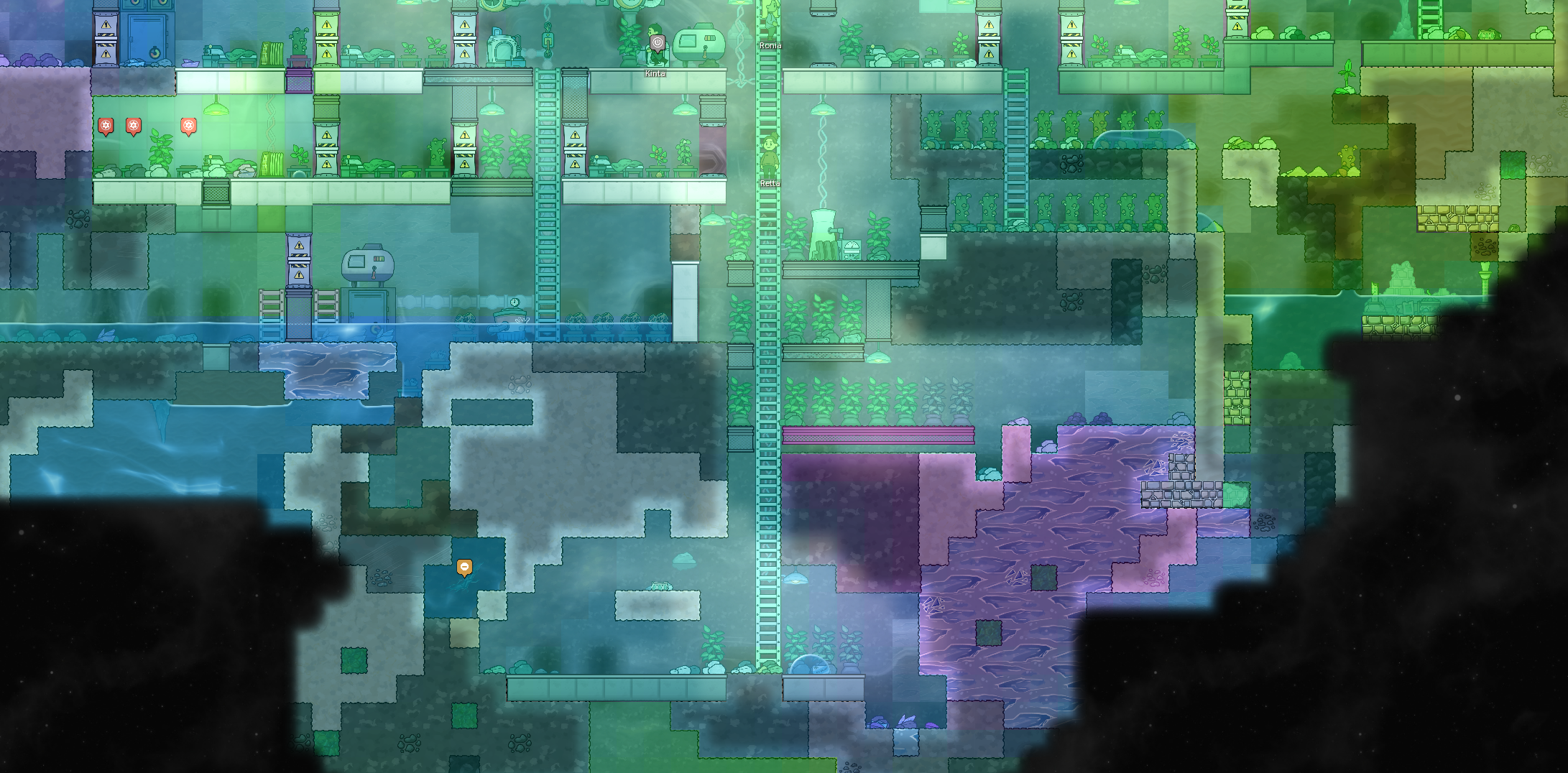
Explorer and building temperatures
Just like every object in the game, your explorers absorb and conduct body heat with their local environment, and in Update 2, they are much more sensitive to temperature:
- If their body temperature is within the comfort range (20~30 °C), explorers will feel fine and dandy. If their body is outside of that range, they will become upset. Explorers’ temperatures will naturally converge to the midpoint of this range.
- If their body temperature is within the safety range (10~40 °C), explorers can still do errands, but they’ll be upset. Outside of that range, explorers will actively stop what they’re doing, run away to safety, and they’ll throw a temperature tantrum to rapidly heat themselves up or cool themselves down.
- Explorers will try to avoid or do any personal errands inside any cell that is outside the extreme range (-10~60 °C). (No more writing diary entries in magma!)
An explorers’ body temperature will tend towards neutral (25 °C) naturally through thermostasis, and will be affected by the temperature and thermal conductivity of their surroundings. For example, if they’re sitting in a puddle of cold water, their body temperature will rapidly decrease. The rate of thermostasis can also be affected by your game’s difficulty level.
Most buildings now also have operating temperature ranges, and will automatically shut down if their temperatures are outside of a safe range. (Building operating temperatures are not enabled on the relaxed difficulty level.)
With explorer and building temperatures, I’ve tried to make temperature management and interactions meaningful, without being frustrating or irrelevant. I think we’ve found a really good balance, but I’d love to hear your feedback. Balance is tricky!
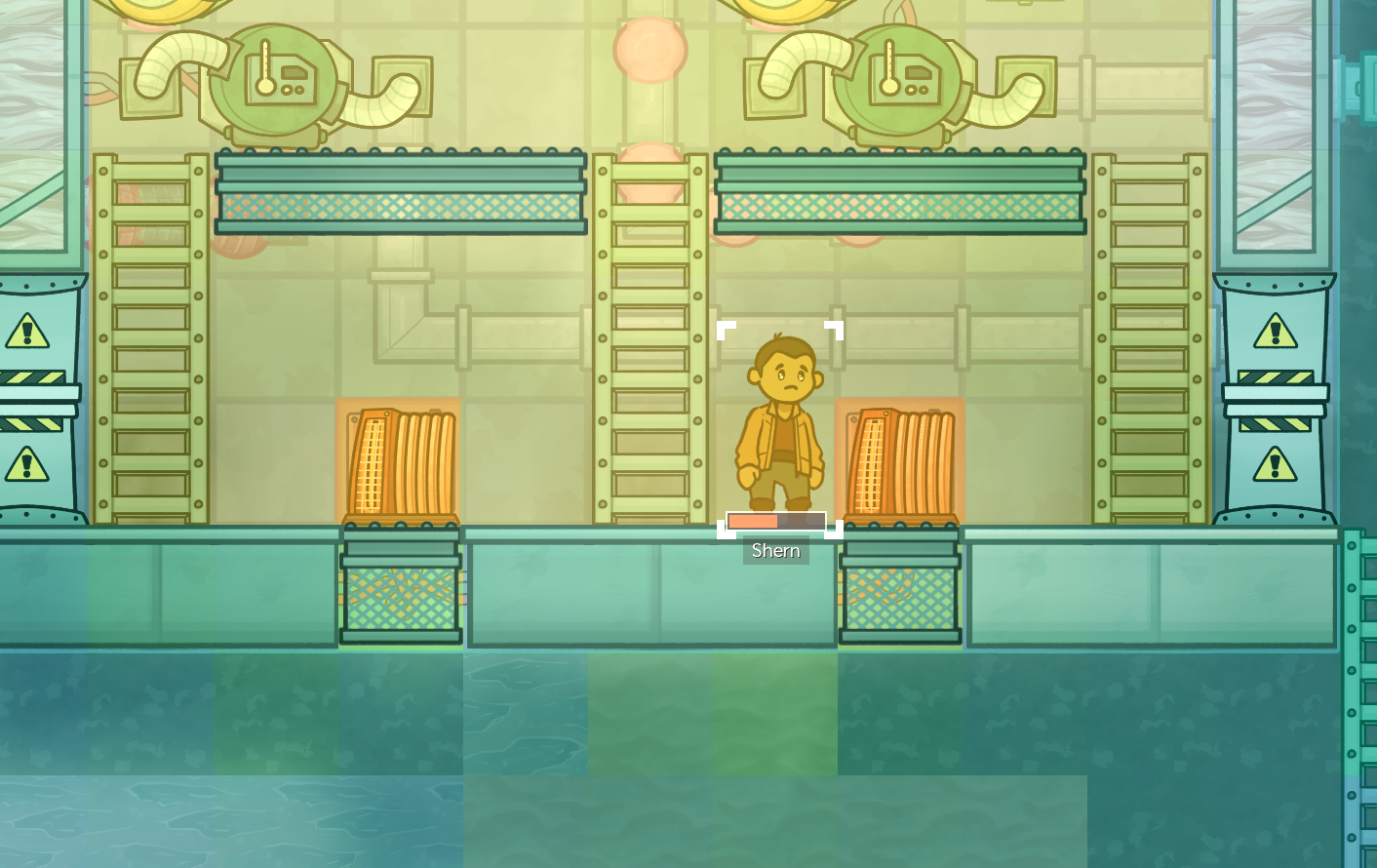
Background temperatures
Each cell in the world now has a background temperature, which very gradually increases or decreases the temperature of objects in that cell. These background temperatures tend to keep icy areas frozen and the deep underground molten.
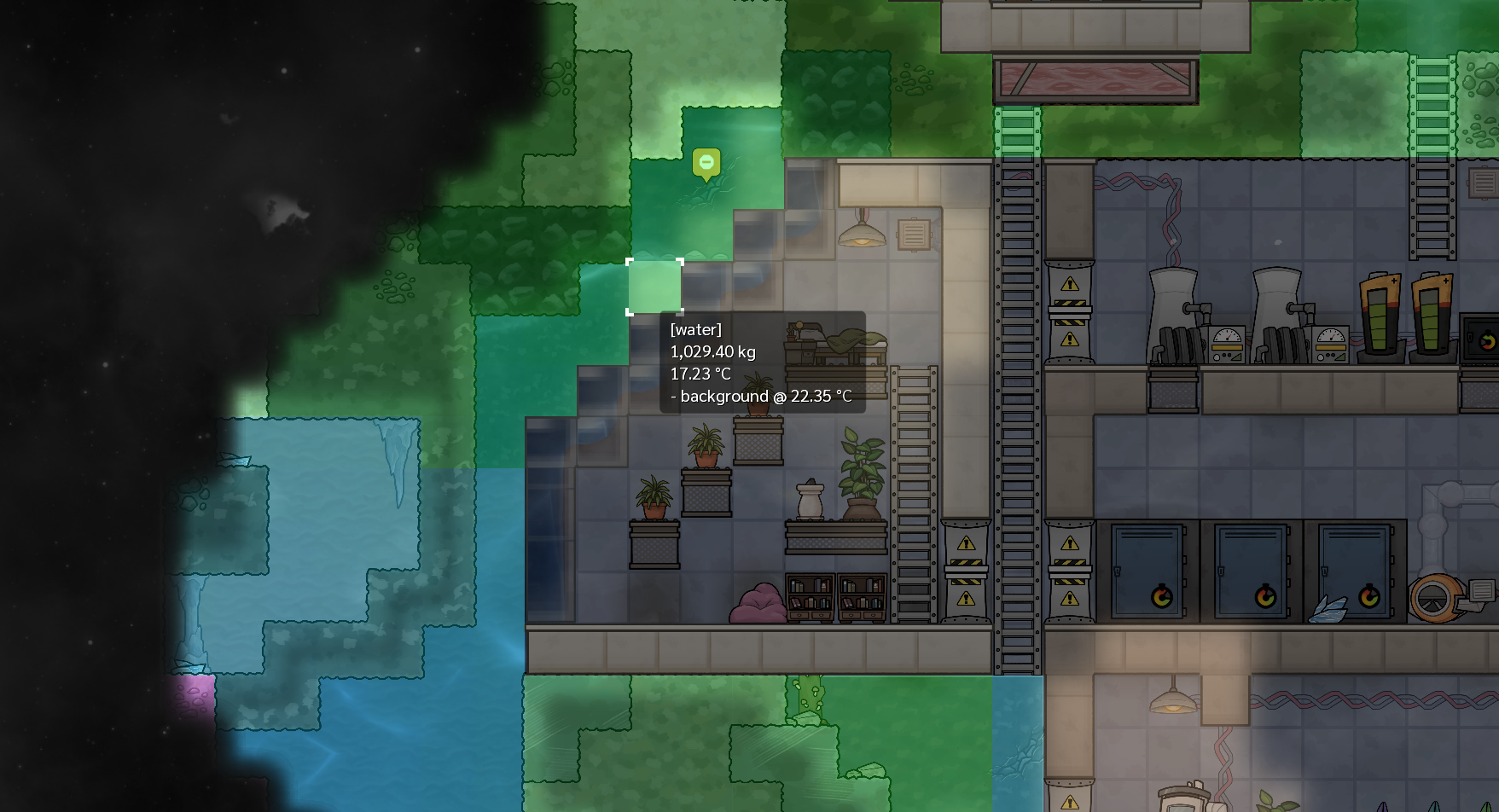
To prevent background temperature, you can dig out cells and remove all mass to turn them into a vacuum (which has zero mass, so cannot transfer heat), or you can build background panels and tiles which block background temperature.
There are also FOUR new random events in Update 2: planet heating up and planet cooling down, which globally increases or decreases the background temperature of the entire planet; and hot meteor and cold meteor, which are much rarer than normal meteors, but have contents that are much hotter or colder than normal. You’ll probably want to start looking into short and medium-term temperature solutions…
Heating and cooling
To survive this much more dynamic temperature environment, your explorers can now research and unlock new technologies and buildings to passively and actively heat and cool the environment. These technologies will be essential to your crews’ long-term survival – especially if you want to start digging deeper…
For passive heating and cooling, radiators (liquid) and heat exchangers (gas) are unpowered buildings that exchange heat from their contents to their environment. Heating and cooling can be further accelerated with the new heat sink panel, which rapidly accelerates heat transfer in its installed cell.
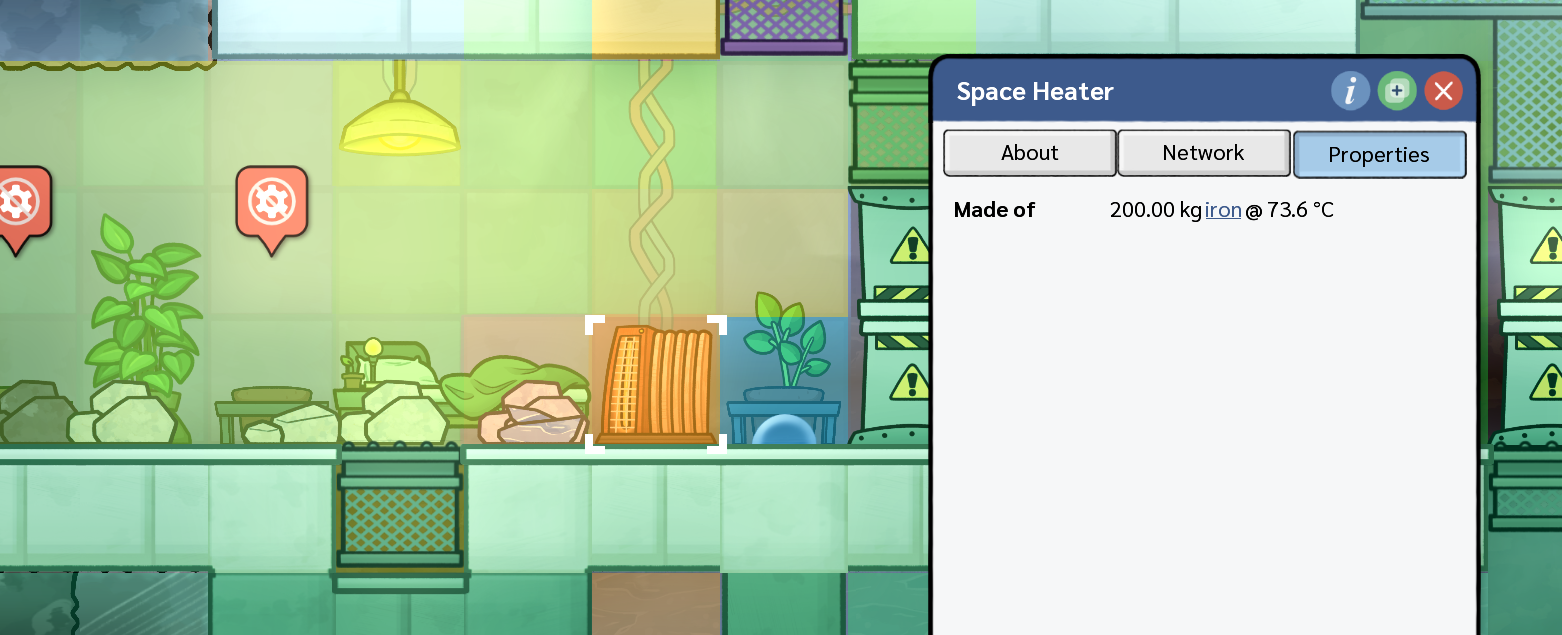
For active heating and cooling, space heaters turn power into heat, and liquid coolers basically turn power into cold. (Technically they use power to turn water into steam, and that process removes heat from the building, which in turn removes it from the environment.) There are also new temperature-specific liquid and gas “thermofilters”, allowing you to filter out mass packets that match a temperature range (similar to liquid and gas filters).
Insulation
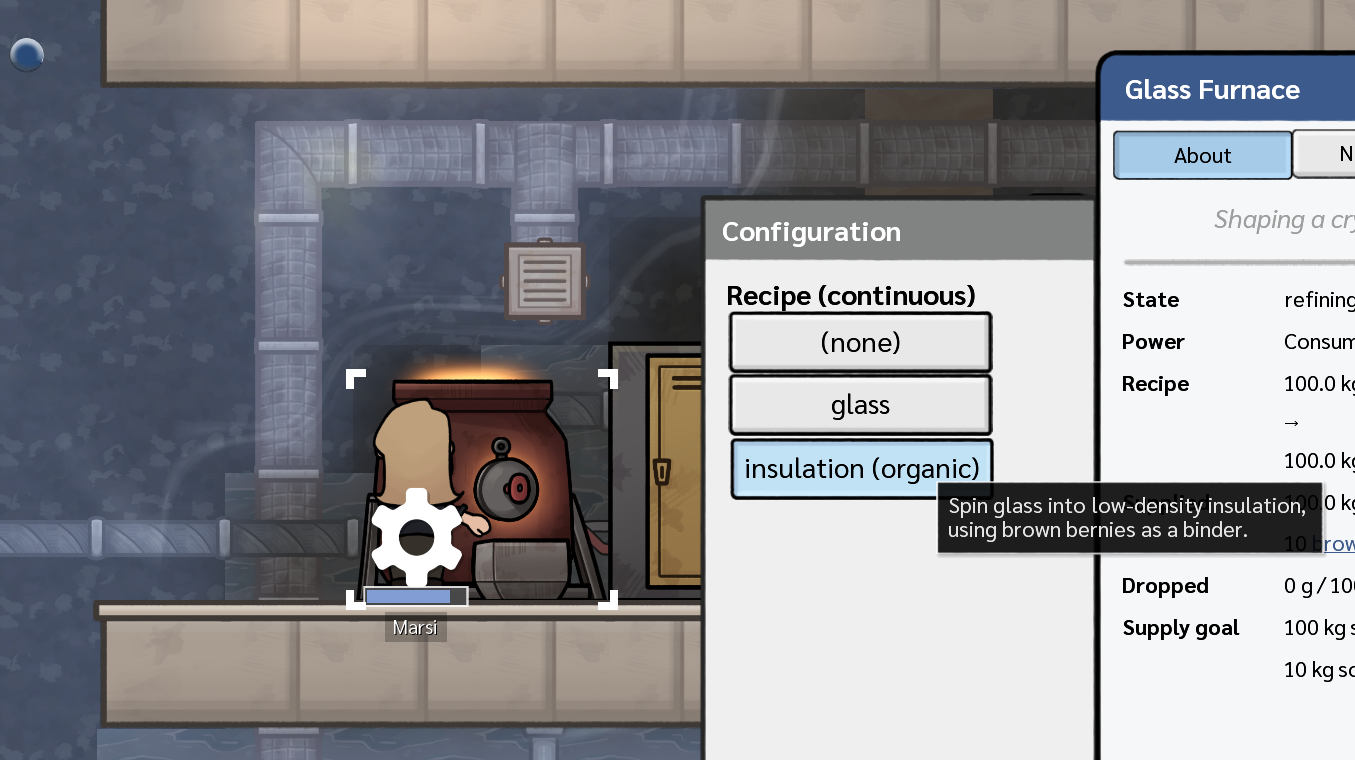
Your explorers can now create insulation (a new element) by melting glass and brown bernies together in a glass furnace. Insulation can be used in the new insulated liquid and gas pipes to transport freezing cold or boiling hot materials safely. It can also be used in the new insulated tile (an upgrade of the basic tile) to significantly slow down heat transfer between adjacent cells.
Improved element simulation
In Update 2, every part of the element simulation has been improved. I’ve taken all of your feedback to develop a much better element simulation that should behave a lot better and be more intuitive. Thank you to everyone on the unstable Discord for testing these new systems!!
(As part of my experiments, I looked at implementing Navier-Stokes equations – and I got pretty far – but all of the references I found assumed the simulation of a single incompressible fluid with constant density and viscosity, and many neglected gravity, so I just couldn’t work it out for now. I also looked at simulating sub-cells, but that would significantly reduce the maximum world size we could simulate on the average PC. So, Adaptory implements some novel solutions that mostly work and hopefully make sense. I wish I had a degree in computational fluid dynamics…).
Liquids
Liquids now act much more “fluidy” and much less “sticky”. Large puddles of liquid will no longer be blocked by small amounts of gas; liquids will tend to horizontally spread out, pushing other gases out of the way; and they will also push back against overcompression in all directions, behaving less like a gas. Liquid expansion and compression is still controlled by the liquids’ viscosity and density, so that magma (deep underground) remains very sticky.
Most buildings will now be flooded if they’re submerged in liquids, and you may need to use liquid pumps or liquid disintegration to clean things up.
Gases
Gases now act much more “gassy” and much less “blobby”. Large cells of gas will no longer be blocked by small amounts of liquid, and gases will tend to “layer” more, so you should find that carbon dioxide will tend to settle towards the bottom of the map more rapidly. Gases are also now much more compressible, and expand equally in all directions.
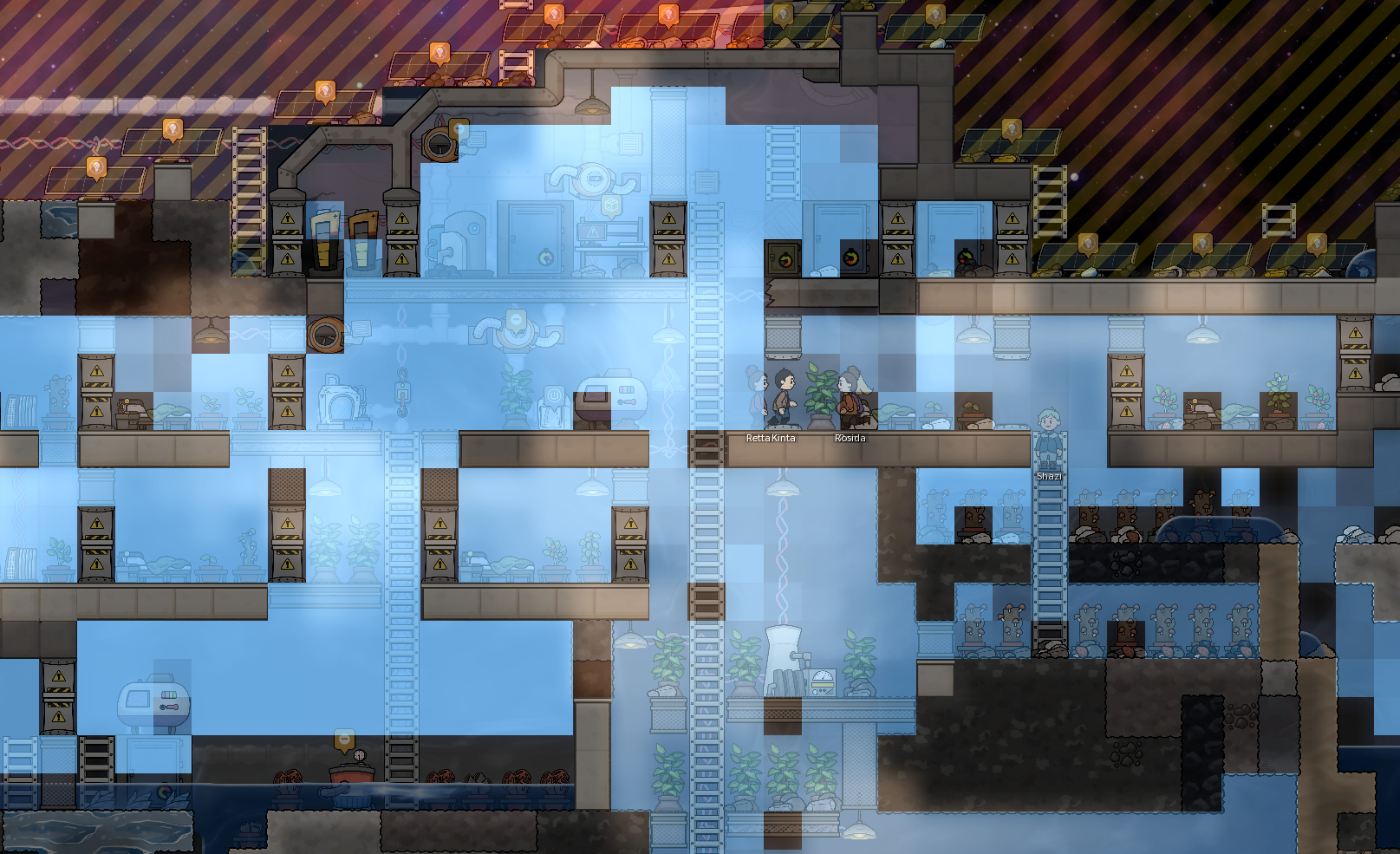
Along with the standard heat conduction simulations, Adaptory now also emulates heat convection for gases and liquids – which is the tendency for hot fluids to rise, and for cooler fluids to sink. As a result, temperature gradients in your base should now diffuse much more rapidly.
Items
Previously, you could store ice in a storage box and nothing would happen. Now you’ll need to be more careful; items and masses stored inside boxes, pipes, and other buildings can now phase change to a different element if they get too hot or too cold, and that stored ice can melt.
This also means that items like brown bernies and data chips can technically melt if they get too hot (at 1723 °C and 3836 °C respectively); but if your food is melting, you’ll probably have more urgent things to worry about…
And there’s more!?
Can you believe there’s still more to reveal!? Stay tuned to see the final preview, which includes an expansion of Adaptory’s story, and a new way to play the game!